Recording in the Training Room (Trainer's Desktop)
Trainers can capture the entire Training Room experience, including all participants' screens. This comes in handy for revisiting course content or recalling issues that come up during class, which helps with troubleshooting—whether for your own notes or when sharing details with development support.
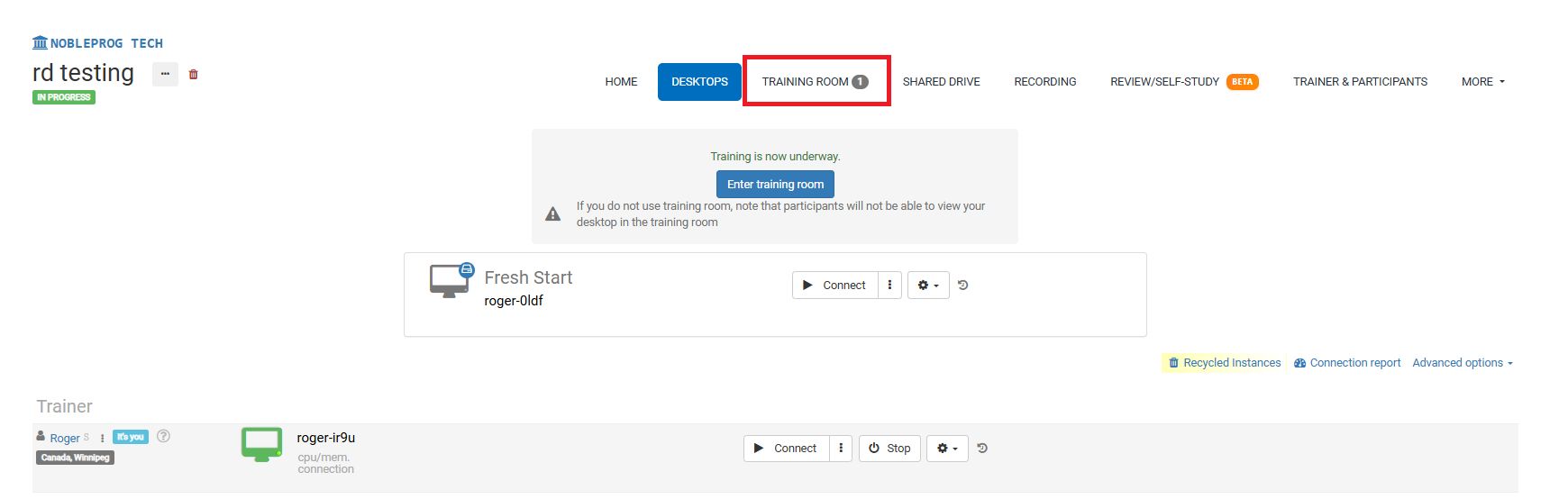
Training Room View:
Using the Recording Button
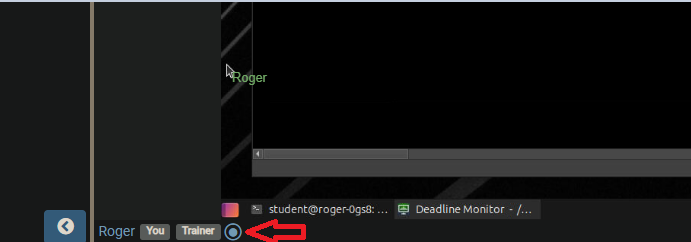
While you're in the Training Room, look for the recording button at the bottom, right next to your name and the tags linked to your account, as highlighted below.
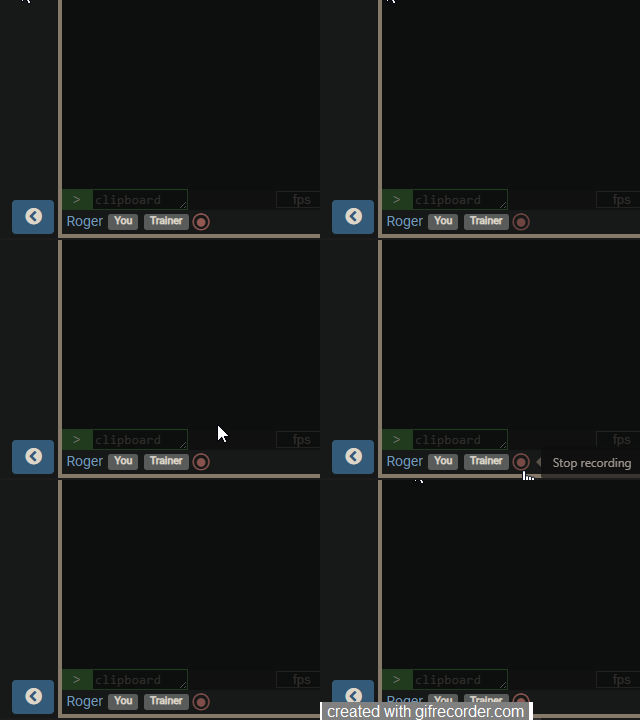
Click the button to begin recording—it will start blinking red slowly. To stop, just click it once more.
Finding Your Recordings
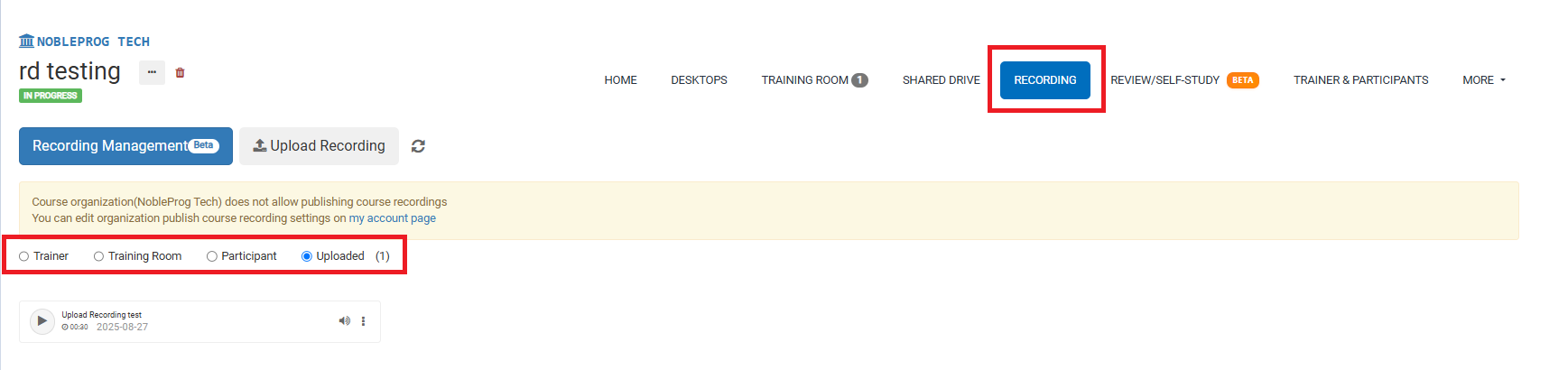
On the course page, you can get to all your recordings by selecting the `Recordings` tab. Once there, you'll be able to pick the type of recording you'd like to watch.