Deleting Your Account
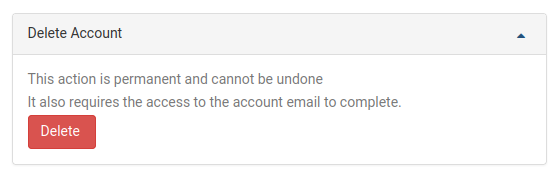
To delete your DaDesktop account, go to the My Account page. The option to delete your account is located at the bottom of that page. Click the Delete button to initiate the deletion process.
After clicking Delete, you'll be asked to enter your DaDesktop password for confirmation. A confirmation link will be sent to the email address associated with your account. Open that email and click the link to finalize the account deletion.