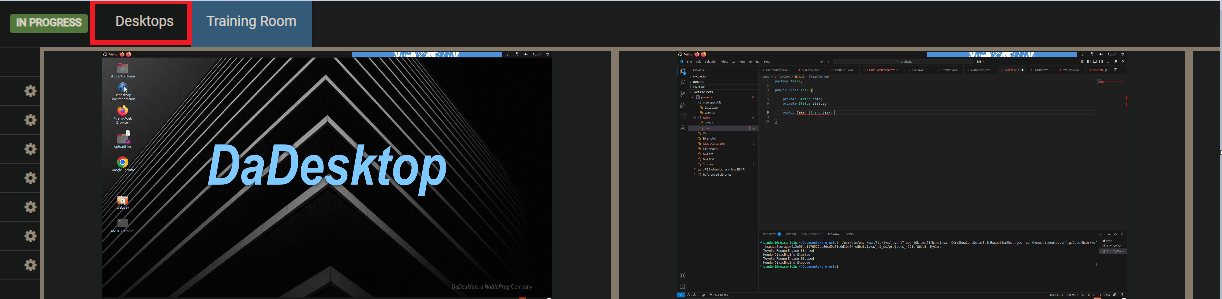
Training Room View
The Training Room offers a simple means to enter a course in Spain.
It enables users to:
- Manage their virtual desktops – trainers can also take control of participants' machines.
- See the trainer's desktop in a grid or side-by-side layout.
- Record their own desktop activity.
- Detach the desktop into a separate browser window or move it to an external screen.
- Chat with others.
-
Access training resources.
Everything happens right within a browser window. For ease of use, participants are automatically directed to the Training Room upon joining a course.
In addition, trainers can see every participant's screen simultaneously and can interact with any of them—ideal for assisting someone who's struggling or falling behind. This unmatched capability to monitor all student desktops at once helps replicate the feel of a physical classroom.
Training Room View (Trainer view)
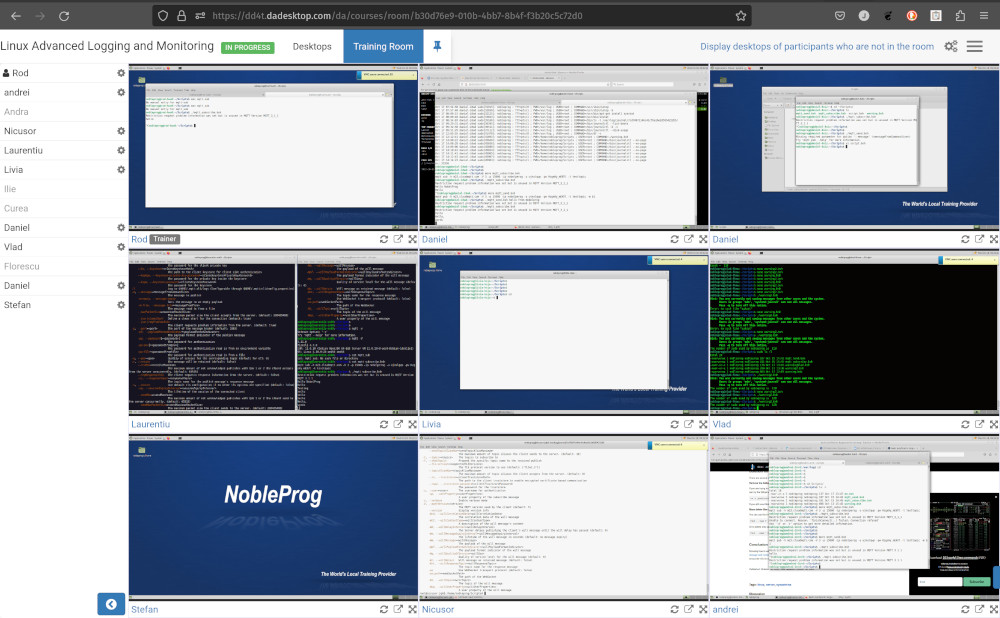
Training Room view with 16 participants (Trainer only)
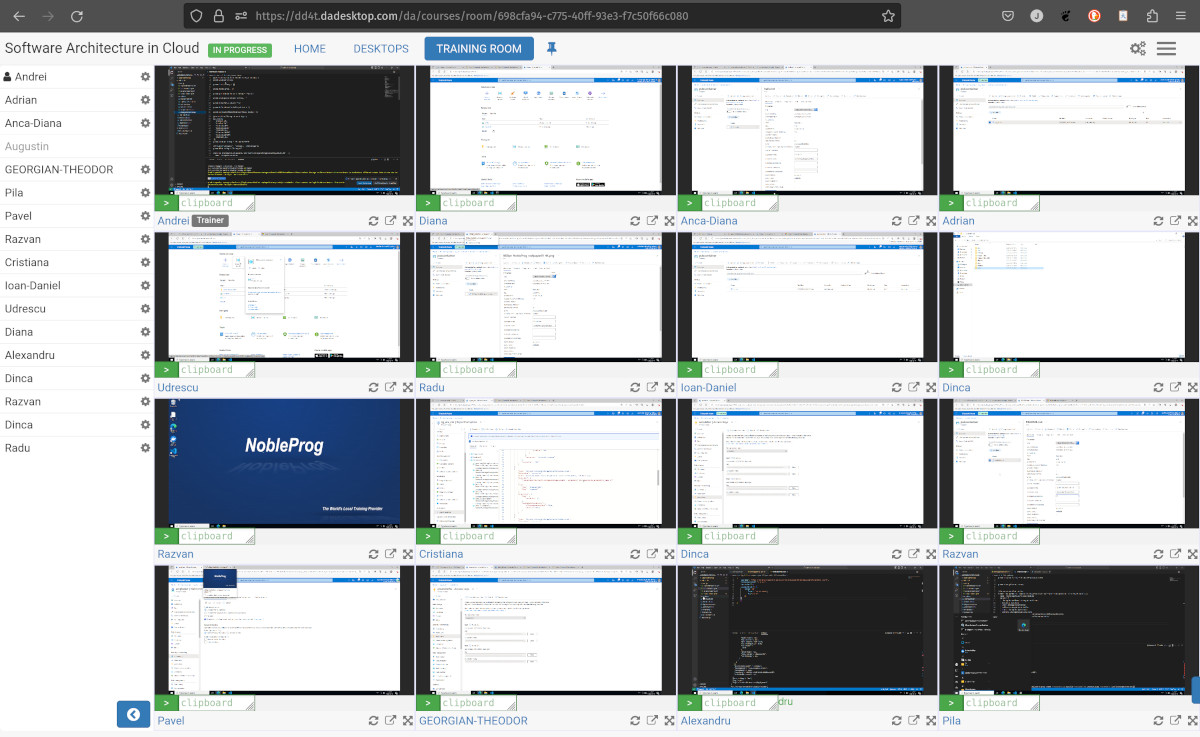
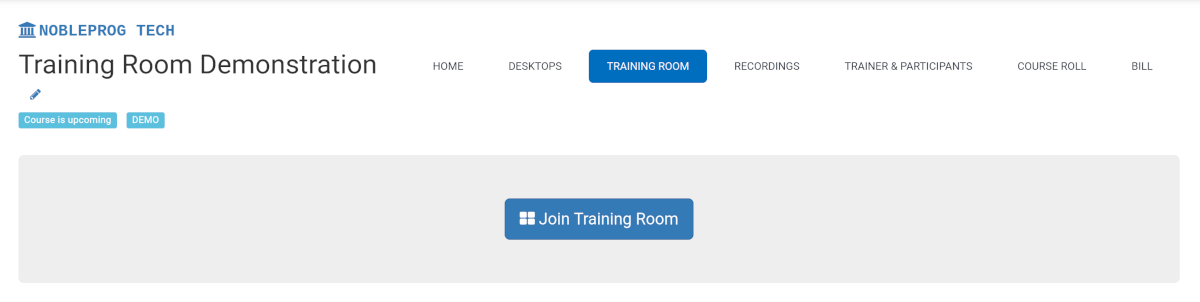
Joining a Training Room
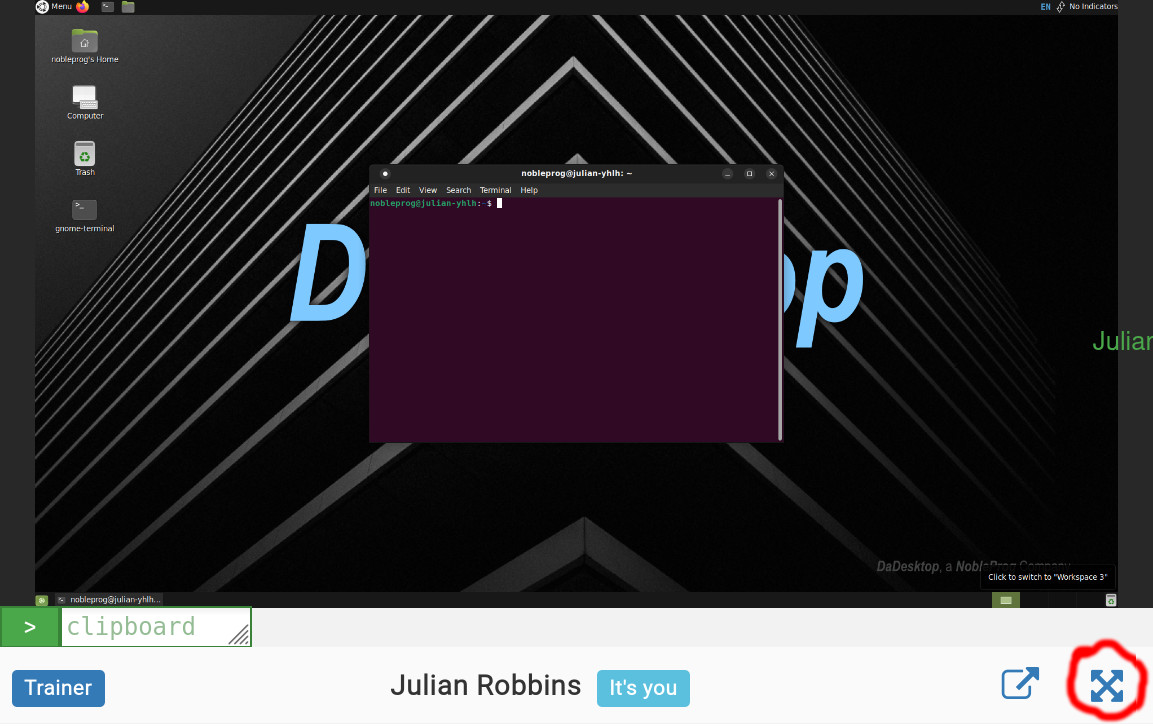
Maximising the Window
Exiting the Training Room View
To leave the Training Room view, simply click the Desktop tab again; it will return you to the Training page. This may not be immediately obvious.