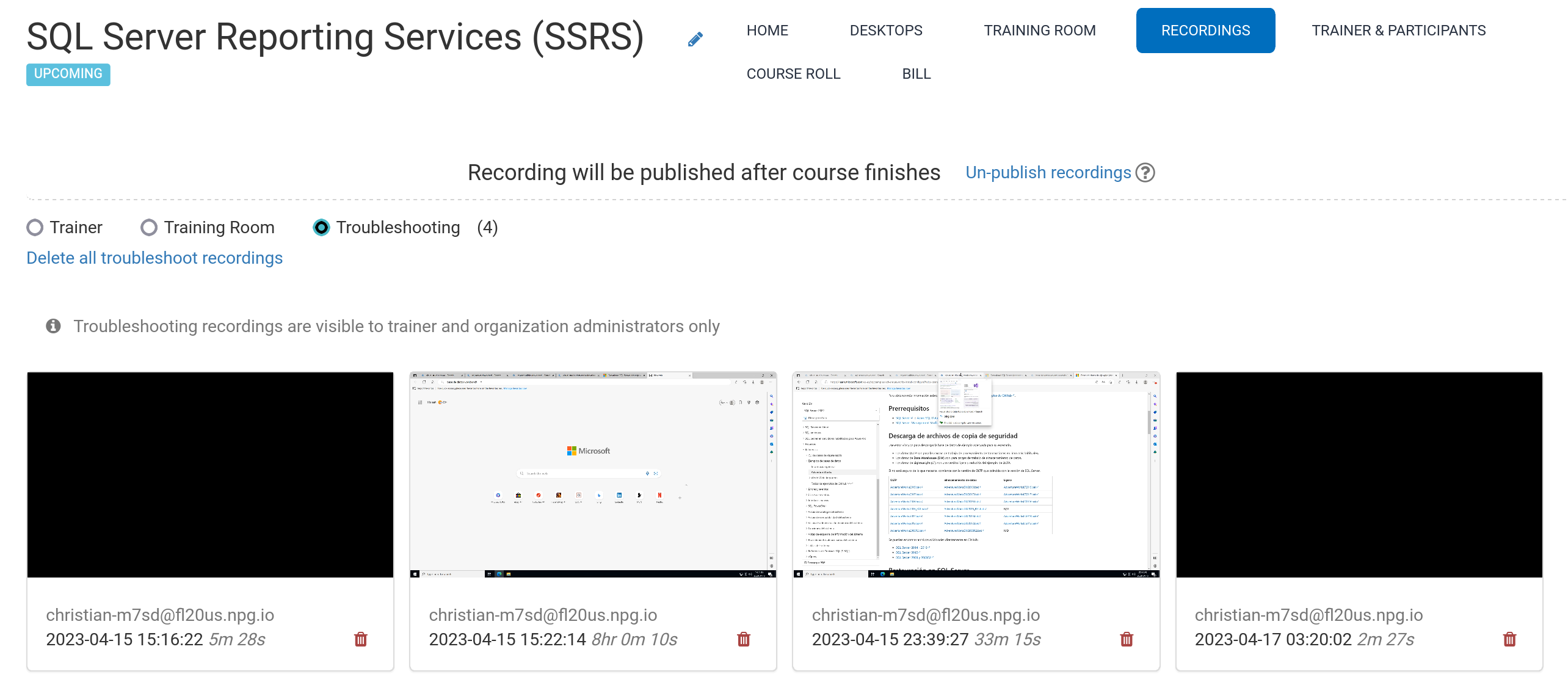
Automatic Course Recording (Trainer's Desktop)
During a course, the system captures recordings from the Trainer's Desktop or the Training Room (if you're using it) on its own.
Hit the red button again to stop the recording.
The Trainer can delete recordings as needed. While the course is being set up, the system also auto-generates troubleshooting recordings; these are only used if you need to debug course configurations.
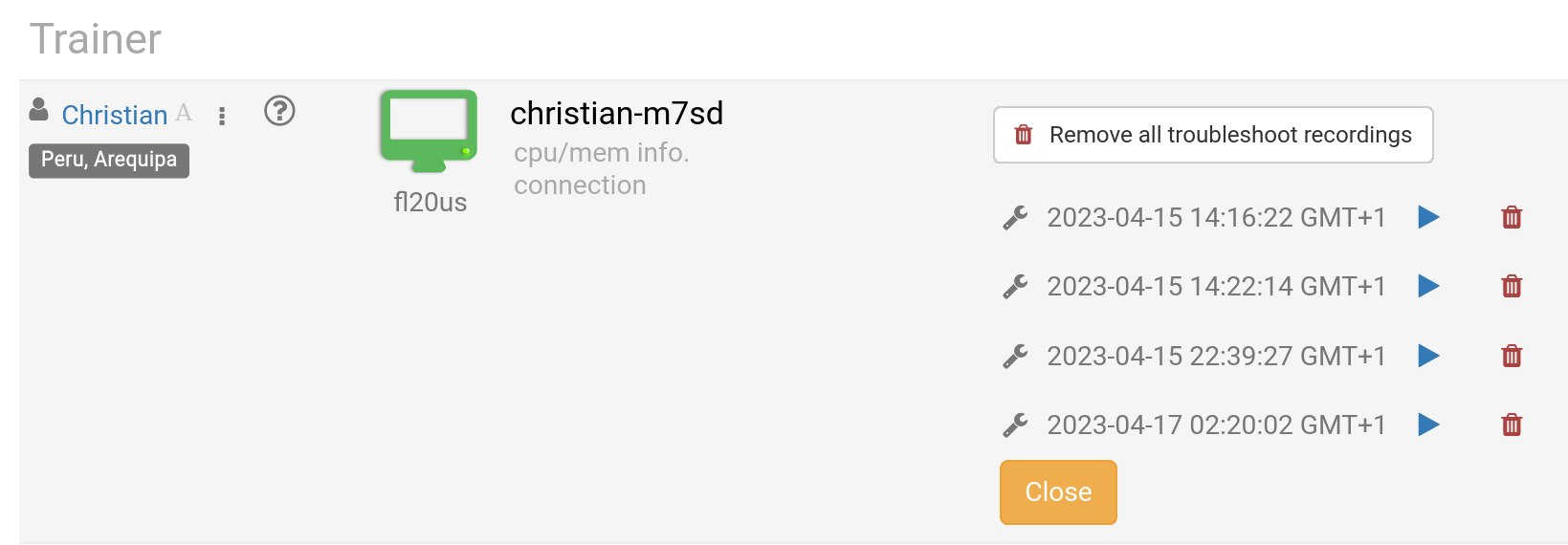
You'll find your recordings in the Recording area, which sorts them into three categories:
- Trainer
- Training Room
- Troubleshooting
Only recordings from Trainer and Training Room can be shared outside the platform.