Managing Desktop Snapshots
Why Use Desktop Snapshots?
Snapshots give you the ability to back up your virtual machine and easily restore it whenever you need.
For instance, before performing an upgrade that might break your system, you can shut down your virtual machine and create a snapshot in advance.
If the upgrade goes well, you can delete the snapshot; if not, simply revert to the earlier state of the machine.
Snapshots are available for all types of DaDesktop throughout Spain, meaning Fresh Start, Trainer, Participant, and Standalone machines can all take advantage of them.
Keep in mind that restoring a snapshot will power down the machine, preparing it for a restart.
Taking a Snapshot
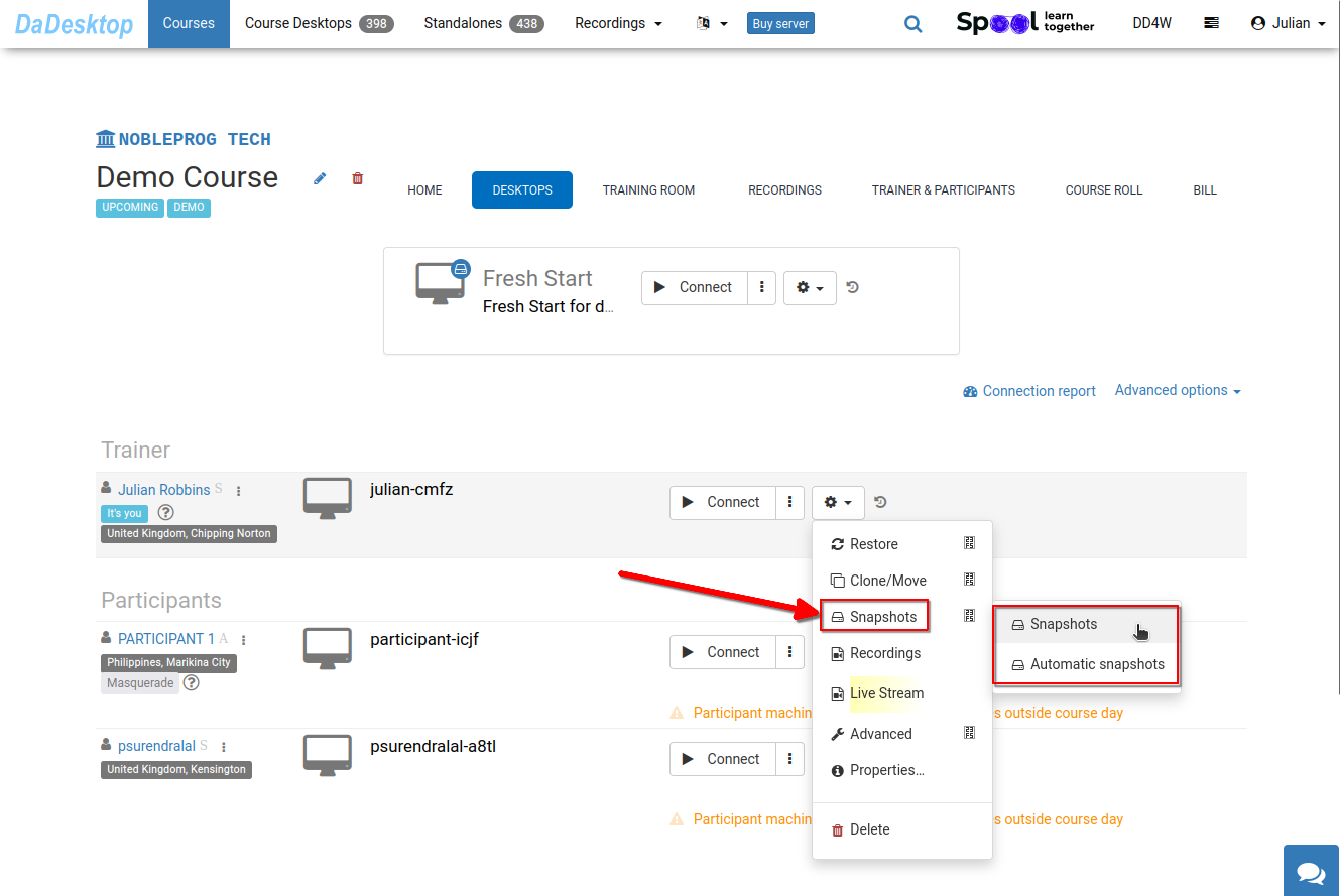
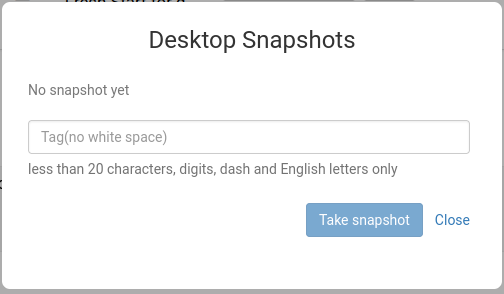
This shows how to take a snapshot. Provide a clear, descriptive name so you'll remember when it was created.
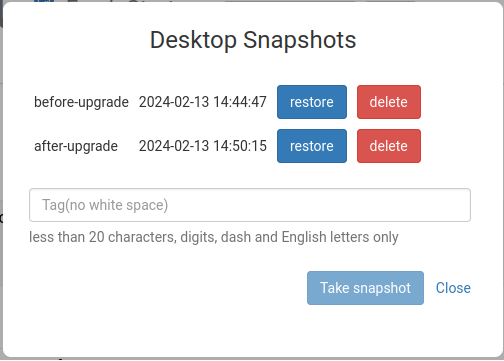
Below, you can see two snapshots taken at different stages. You can restore or delete them as needed.
Scheduling Automatic Snapshots
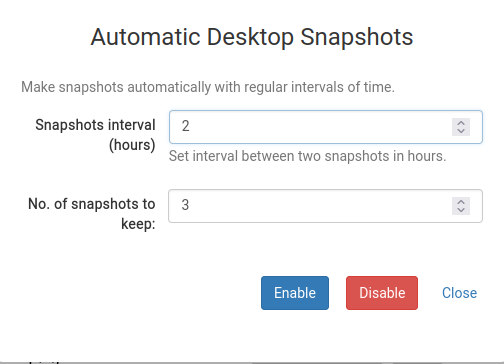
If you'd rather have snapshots captured automatically on a regular schedule so you never miss one, the Automatic Desktop Snapshots feature is the perfect solution.
You can configure how many snapshots to retain and how often new snapshots are taken right here.