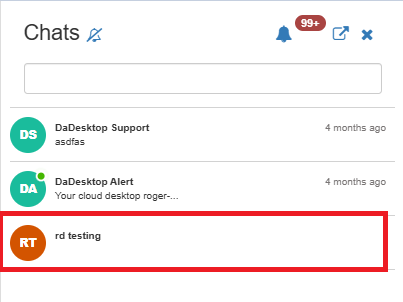
Course Chat
Course Chat is a tool designed to let trainers, participants, and support members talk about the ongoing course. You'll find it right within the training room.
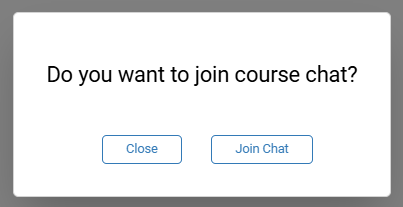
To get into the course chat, just head into the training room. A prompt will then invite you to join the chat.
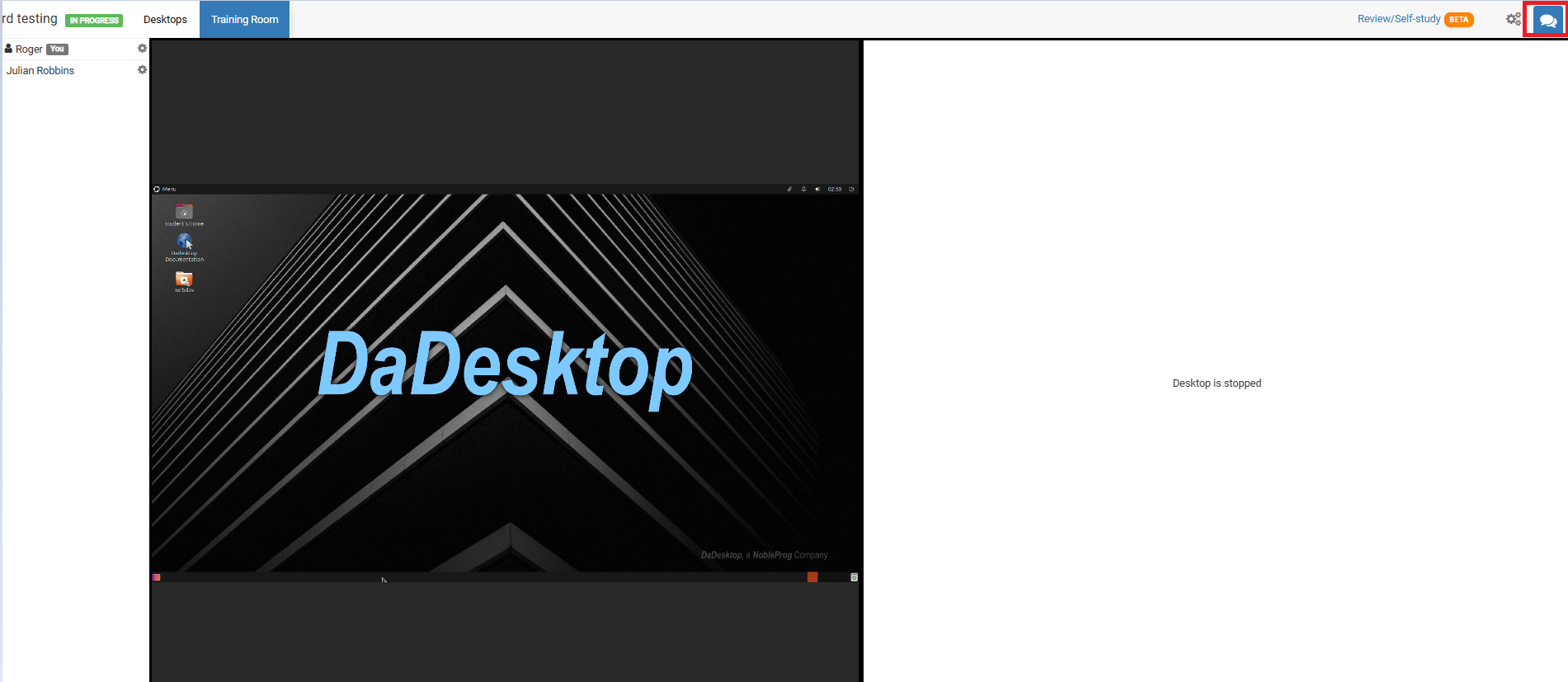
To access it any other time, simply click the chat icon in the top-right corner of the training room.
Clicking that icon opens the chat interface on the left side, where your course appears in a list. You can turn on notifications (from the top of the chat panel) to hear a sound each time a new message is posted.