Auto-Session Recording
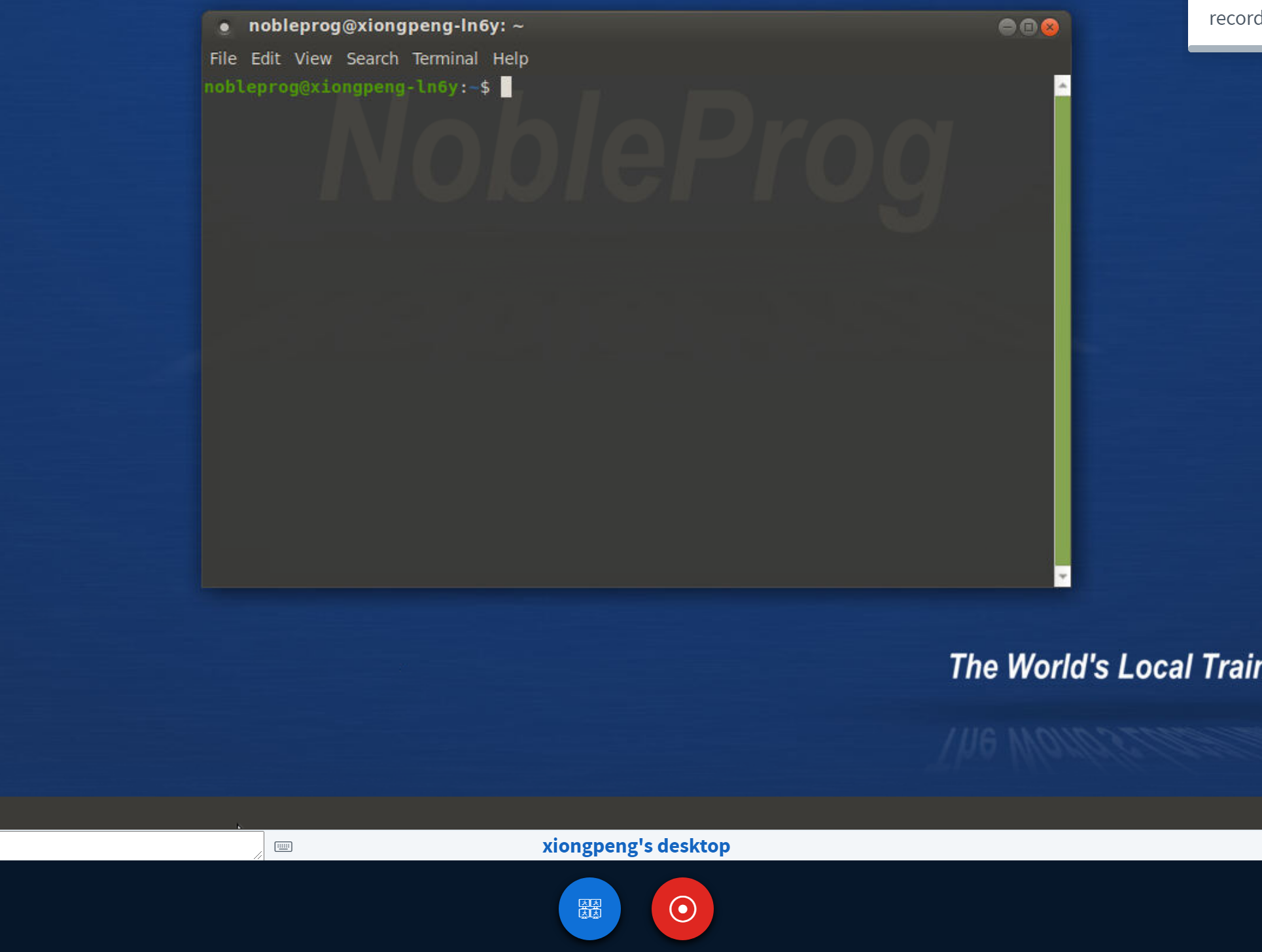
When you enter the training room, the trainer's desktop starts recording automatically.
To stop the recording, press the "red recording" button once again.
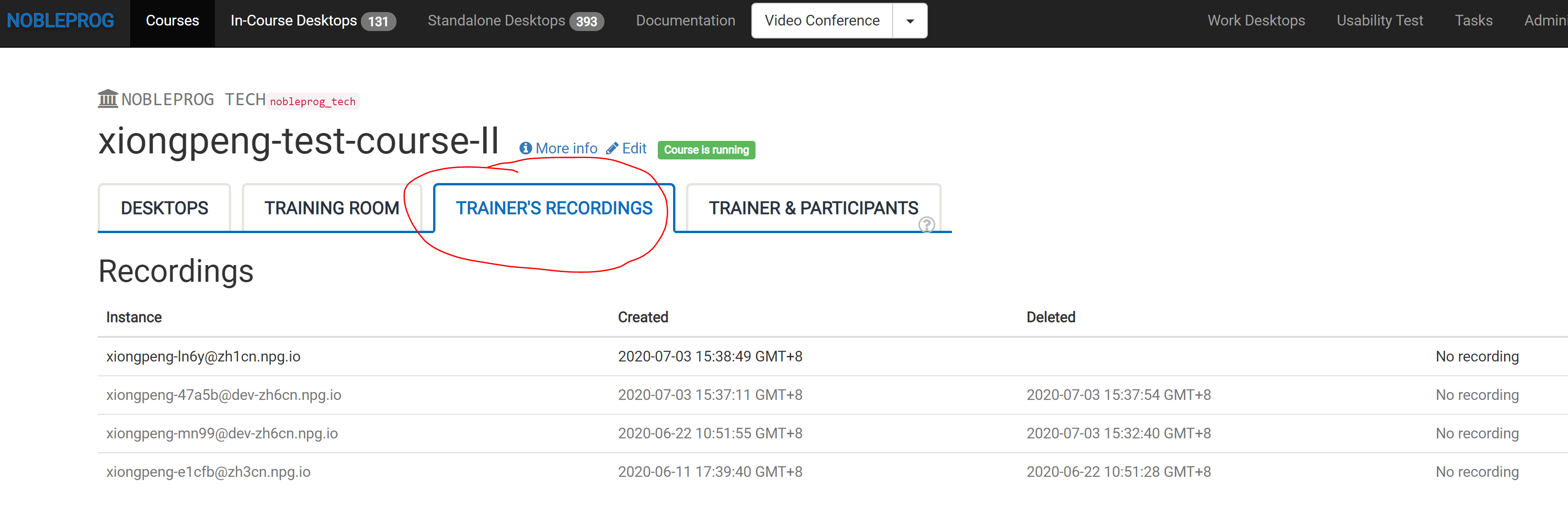
You can find your recordings under "Trainer's Recordings" within your course.
Check out the auto-session recording of the trainer's desktop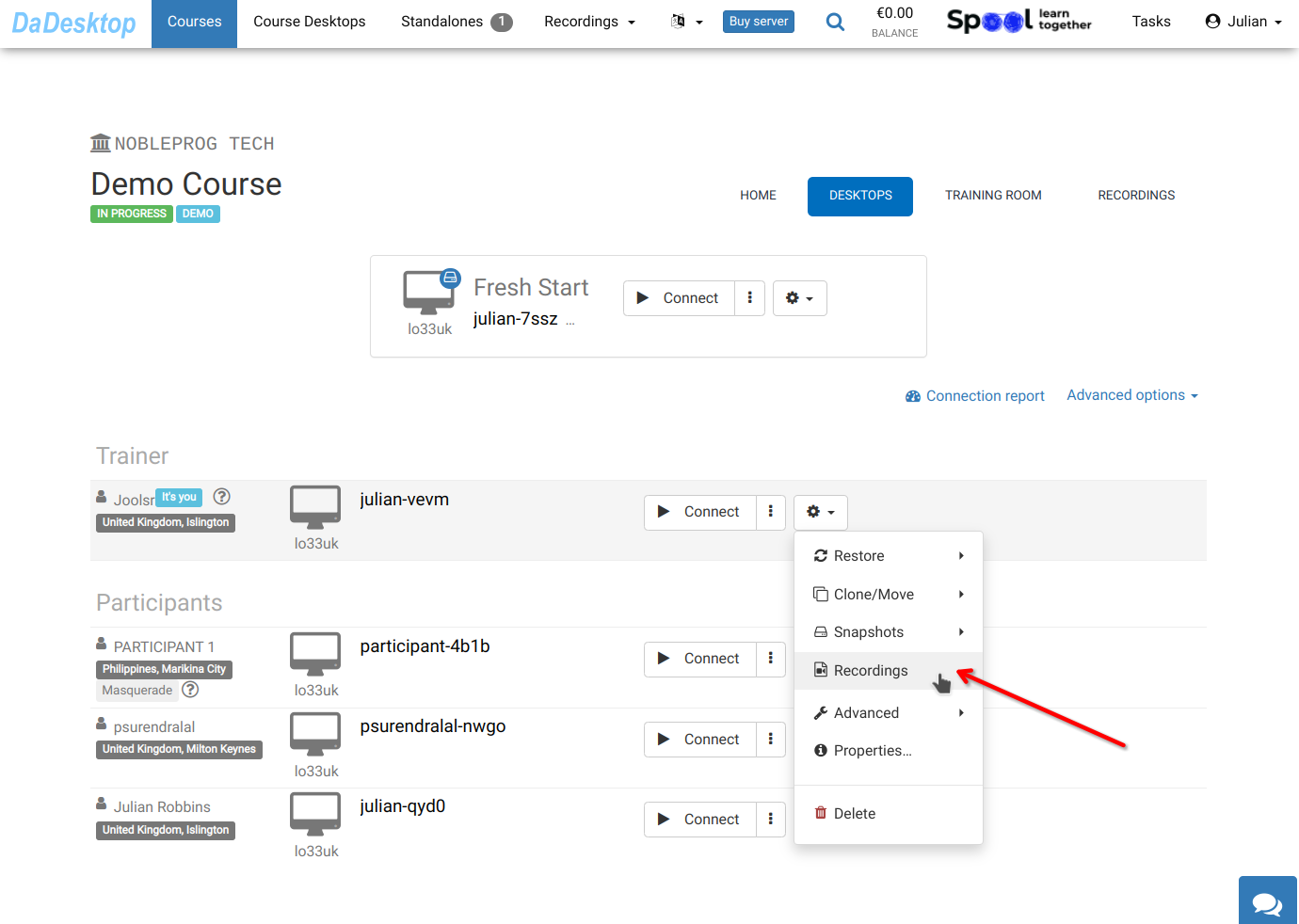
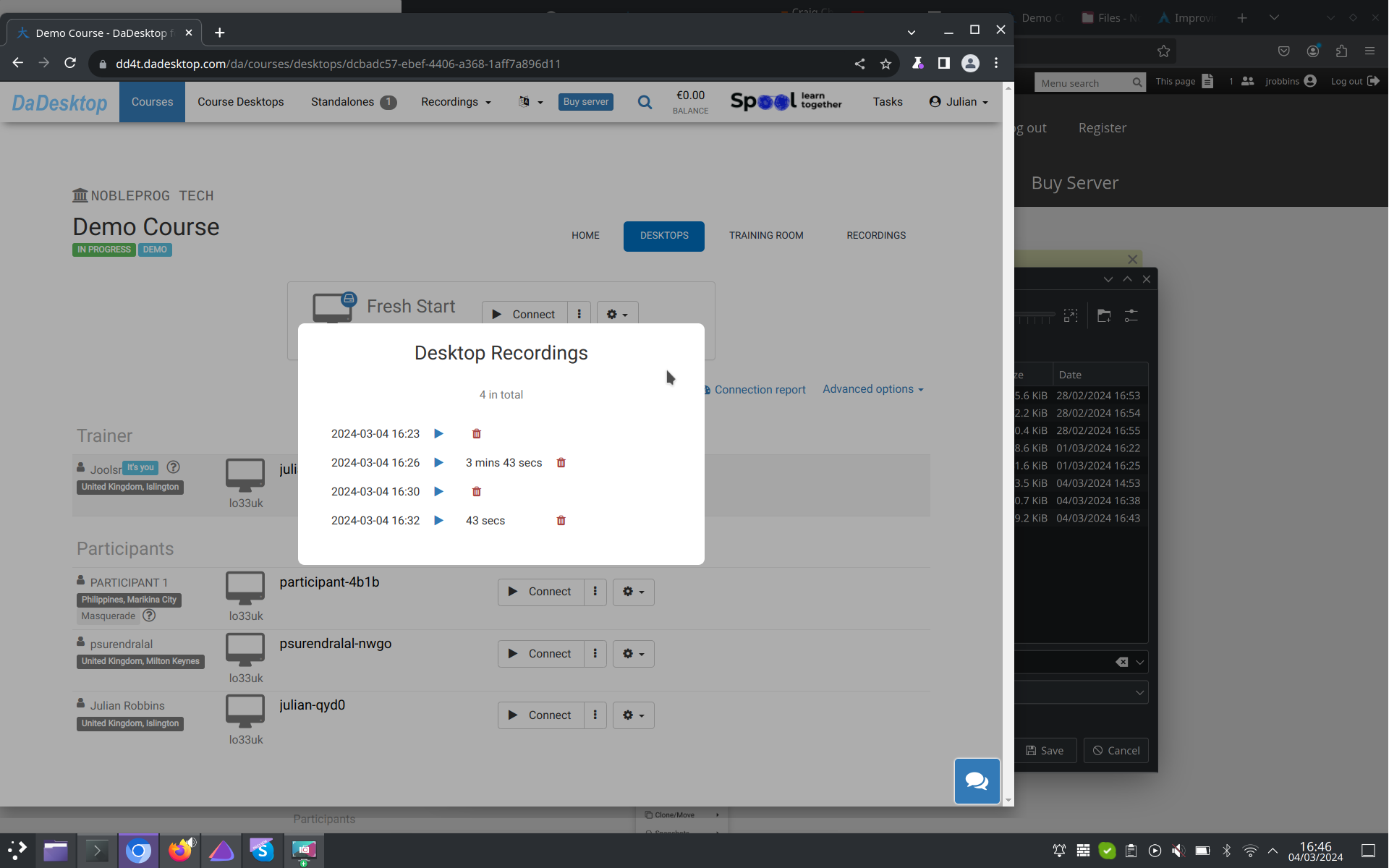
Access your recordings in the "Recordings" section. You can review them and delete any if necessary.