Can't type certain characters like apostrophes, quotation marks, or inverted commas on DaDesktop?
This frustrating glitch crops up only occasionally, and it all comes down to your physical keyboard, language settings, and how your system is configured for international use.
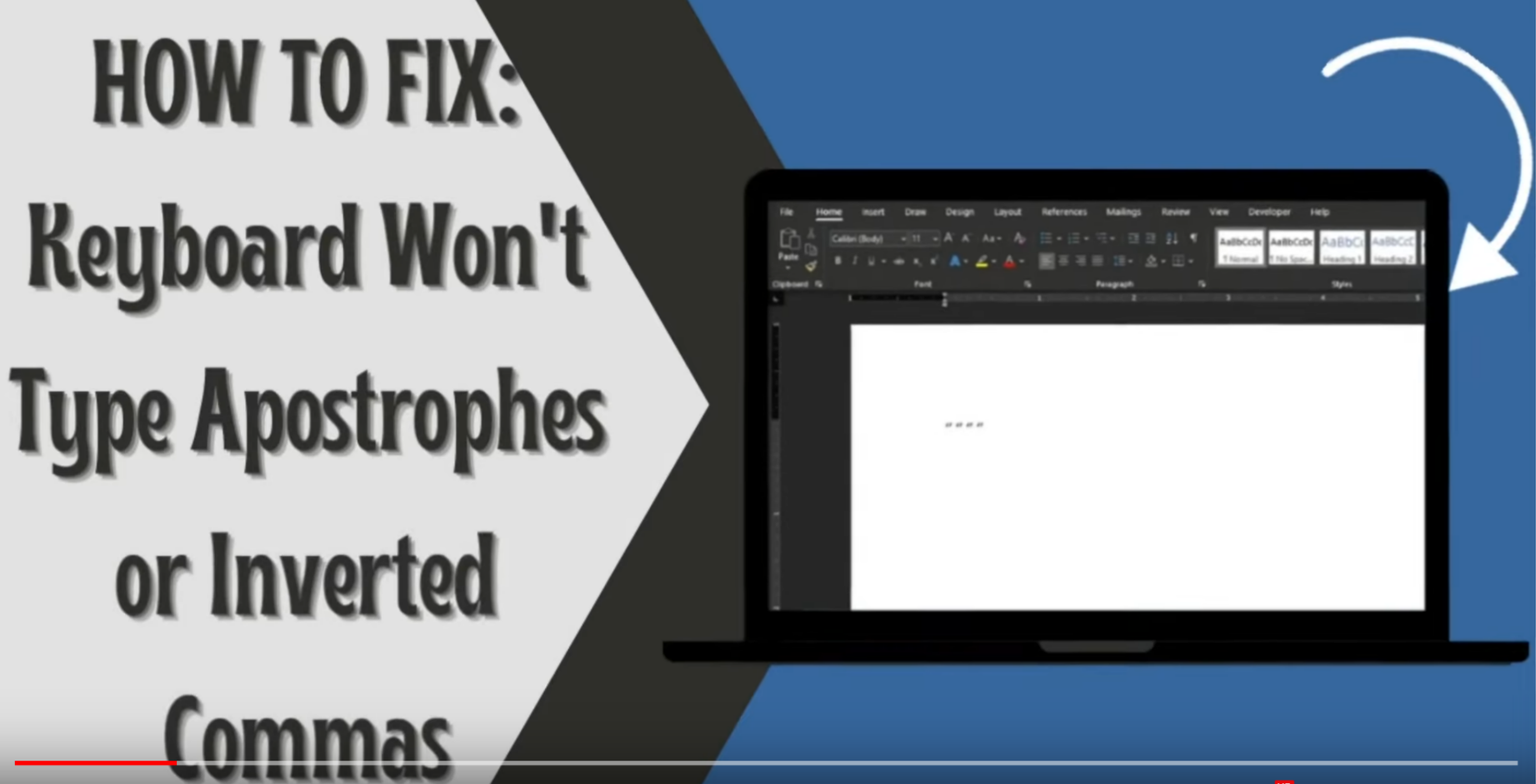
This only happens on Windows
If you're dealing with this in Spain, here's how to sort it out:
- Head to the Windows search bar and enter 'Settings'.
- Select 'Time & Language'.
- Choose the language option from the left-hand menu.
- Under 'Preferred Languages', pick the language you use, then click 'Options'.
- Next, hit 'Add a keyboard' and choose the layout that matches your physical keyboard, like US.
- Remove any old keyboard layouts by clicking on them and selecting 'Remove'.
- Try it out by typing a single quote ' ' ', quotation marks ' " ', and the inverted quote ` to make sure they work.
You can also watch this video for a visual demonstration of the fix.