Create From OS Template
To get started with creating from an OS template:
- Enter the course, Desktops menu
- Click "Create From OS Template"
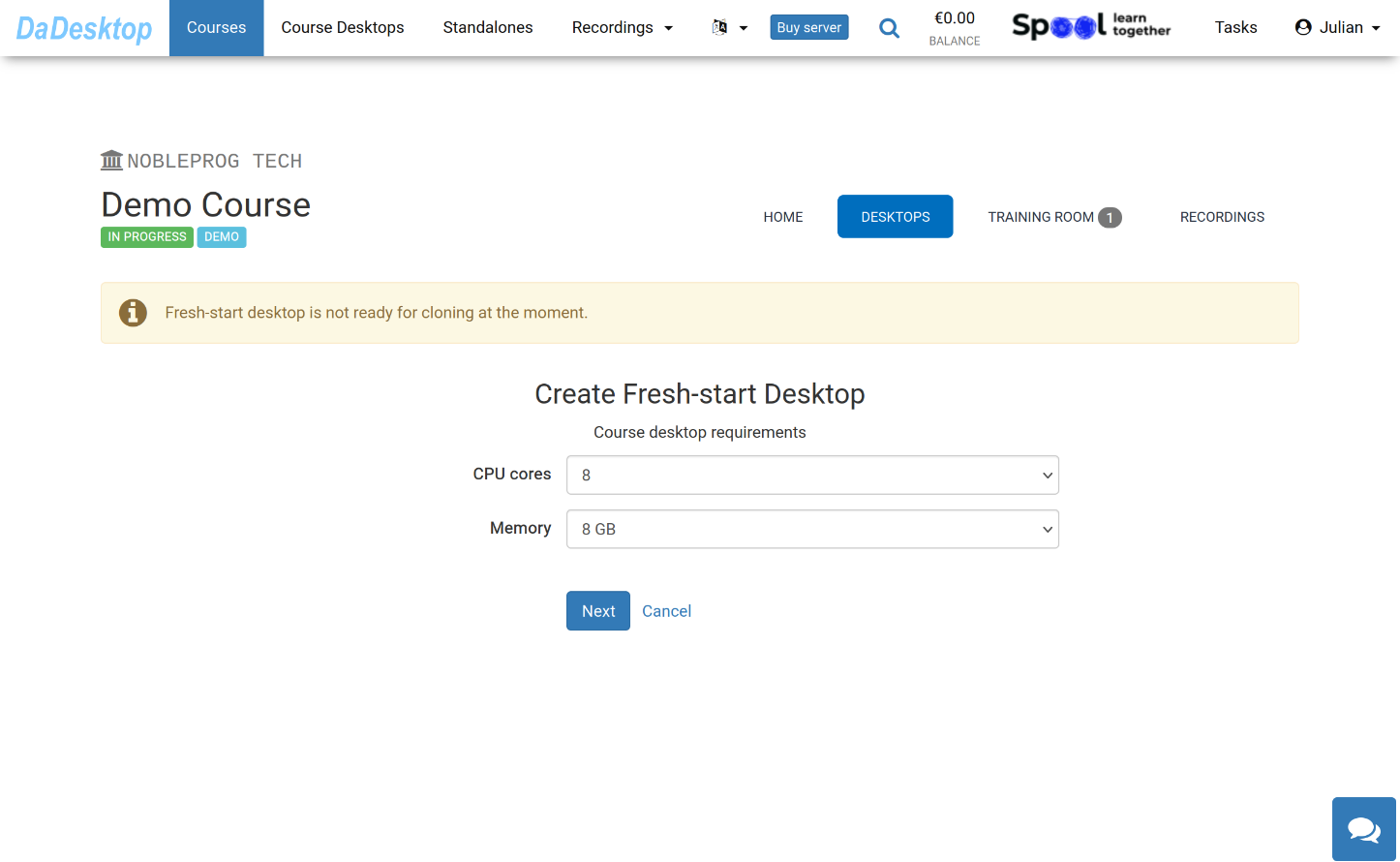
Below you'll find the various settings available when working from an OS Template
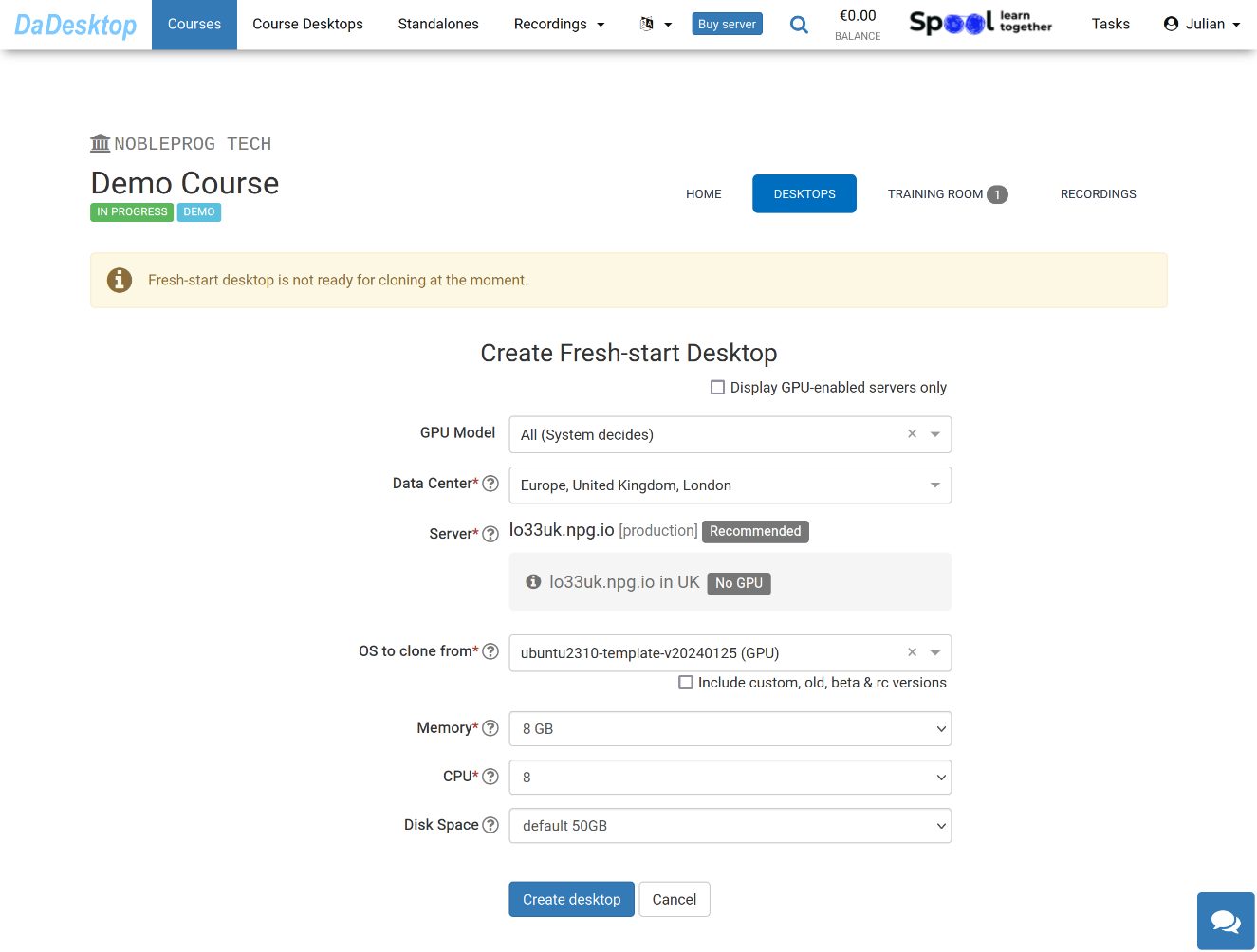
A breakdown of each field:
-
GPU Model
Select the GPU and type if needed. Checking 'Display GPU enabled servers' will filter the list to only show servers with GPUs -
Datacentre / Server
Pick the datacentre region and server closest to your location -
OS to clone from
Operating System (OS) templates cover Windows, Linux (Ubuntu, Debian, Almalinux among others) -
Include custom, old, beta & rc Versions
DaDesktop refreshes templates often, but if you run into issues with the latest template, you can test an earlier version here -
CPU
Choose the number of CPU cores you require. Note: 8 Cores is the default, which generally works well for most standard Linux and Windows tasks -
Memory
Set the memory limit in GB for the desktop. Keep in mind you're bounded by the server resources. Each server might have distinct memory ceilings. If you need to raise these limits, reach out via Support Chat -
Disk Space
Decide the disk space allocation. The default is 50GB.