Copy or Move to Another Server
-
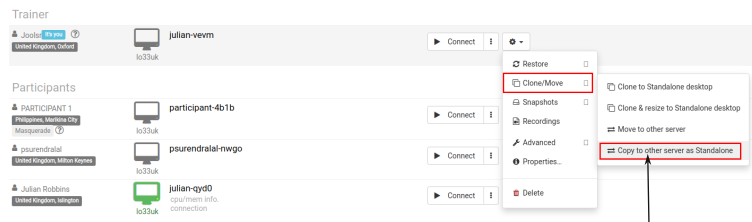
Once preparation is complete, first stop the standalone desktop. Then click the action button and select “Copy to other server”
-
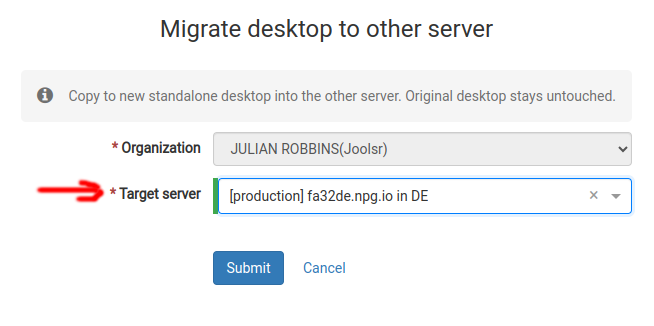
Choose the target server you'd like to copy to. If that server is far from where you are, you'll get a warning explaining this. A new standalone is created—identical in content but with a different name and location.