Managing Operating System Templates
OS Template Naming Convention
We only use lowercase letters and dashes in template names.
Following this convention is essential so the application can properly categorize and organize the templates.
<os>
Do not include a dash in the <os> part.
<key><number>
Examples:
centos8
debian12
win10
ubuntu2404
ubuntu2204
<template>
<os>-template-v<number>
Examples:
debian12-template-v21
ubuntu2204-template-v17
kali-template-v2
<dd4w>
dd4w-tpl-lxc-<os>-v<number>
dd4w-tpl-kvm-<os>-v<number>
Examples:
Must begin with 'dd4w-'
Examples:
dd4w-tpl-kvm-win10-v5
dd4w-tpl-lxc-ubuntu2204-v2
Distribution
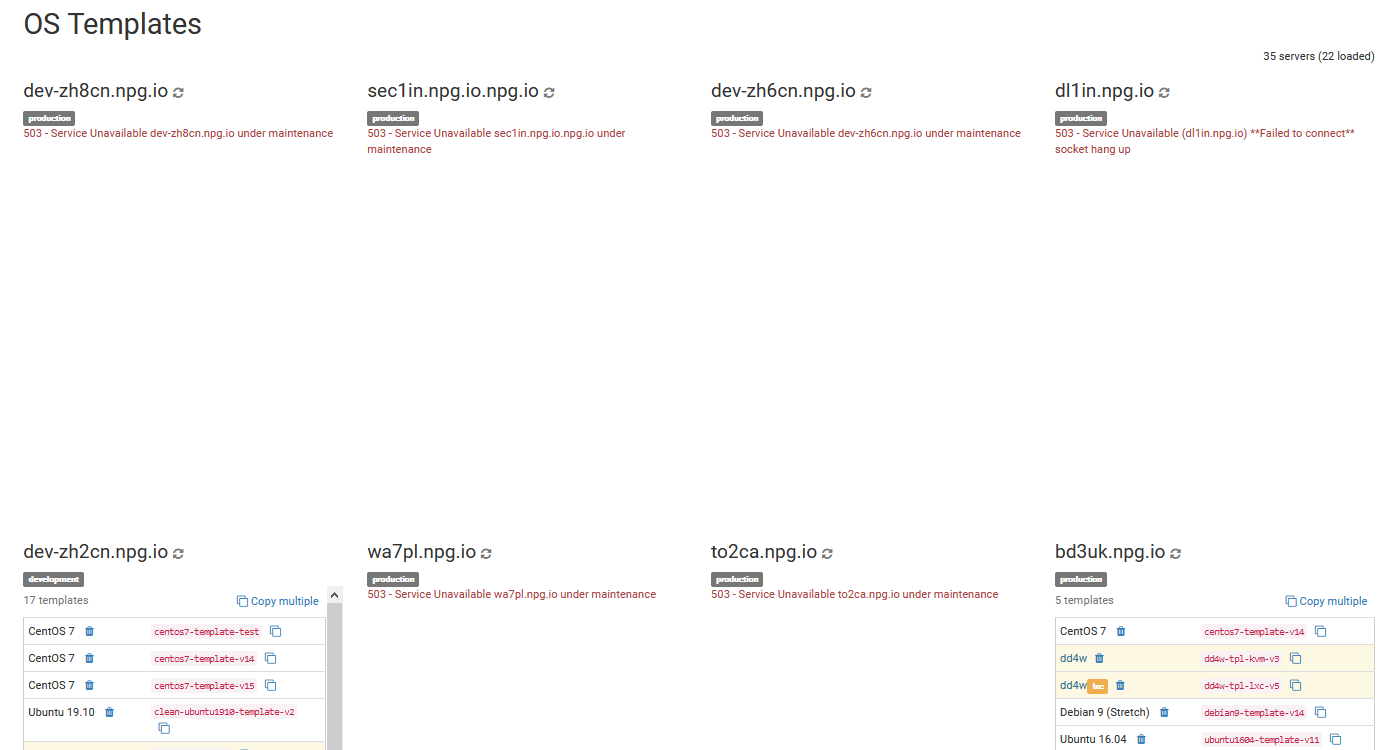
In this section, you can copy, remove, or compare all the OS templates available within your cloud. Keep in mind that moving many templates at once can affect your server's network and overall performance. It's best to carry out copy operations during off-peak hours.
Batch Deletion of OS Templates
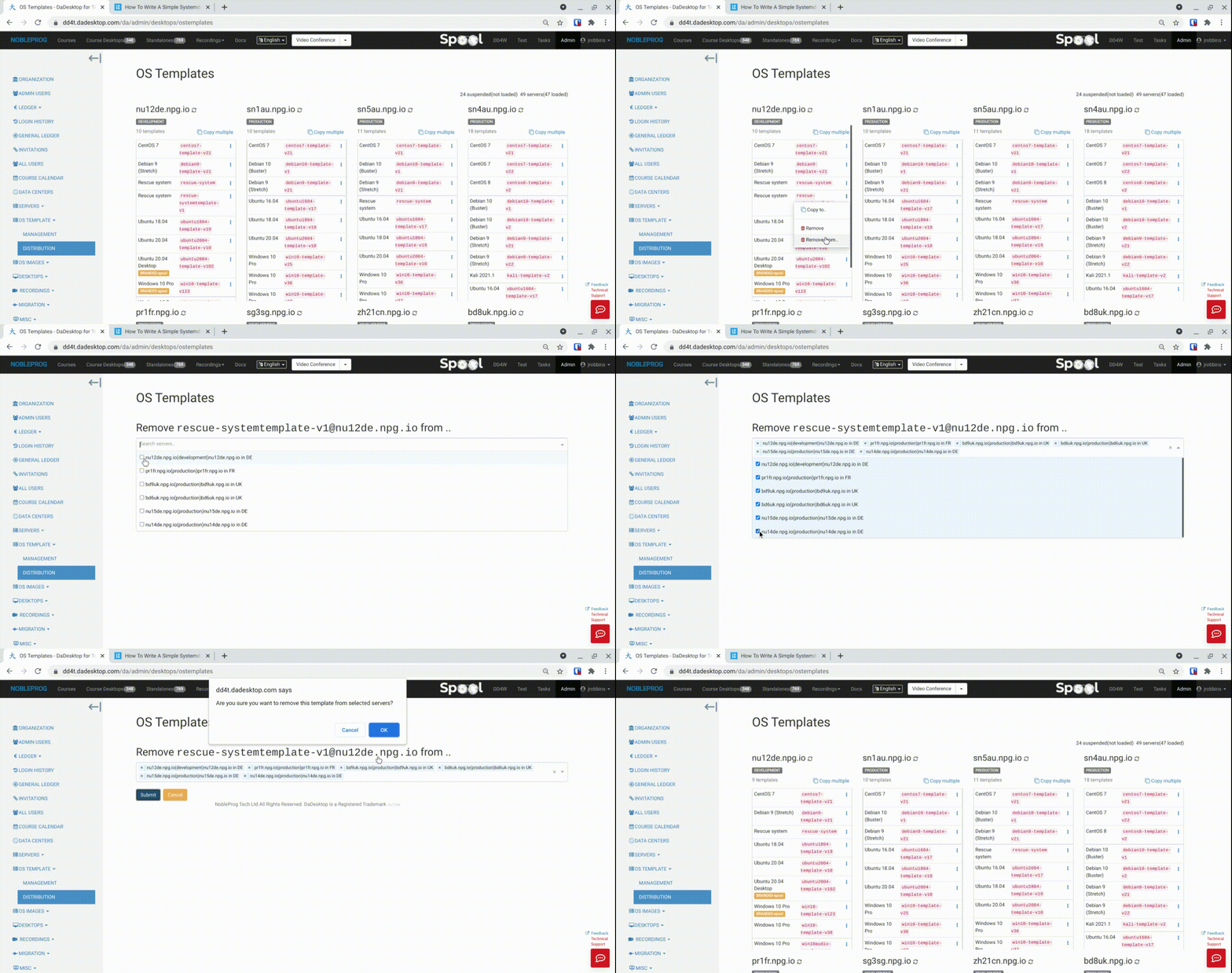
A recently added feature lets you delete templates in bulk from multiple servers all at once. What used to be a slow and laborious process is now incredibly fast and straightforward.
- Simply select a server that holds the template you need, and pick 'Remove from .. ' (use the 'Remove' option if you only want to delete one template at a time)
- A list appears showing only the servers that contain this specific template.
- Check the servers from which you wish to delete the template.
-
Click 'Submit' and confirm the action, and the templates will be removed.